

A clear quarter-hour rhythm
Use the chime as a gentle marker for focus blocks, stretching, study, or any routine where 15 minutes matters.
A 15-minute chime gives the day a light pulse without turning every reminder into an alarm. Start with the free browser timer, then use Chimebird on iPhone when you need the same cue from the lock screen.
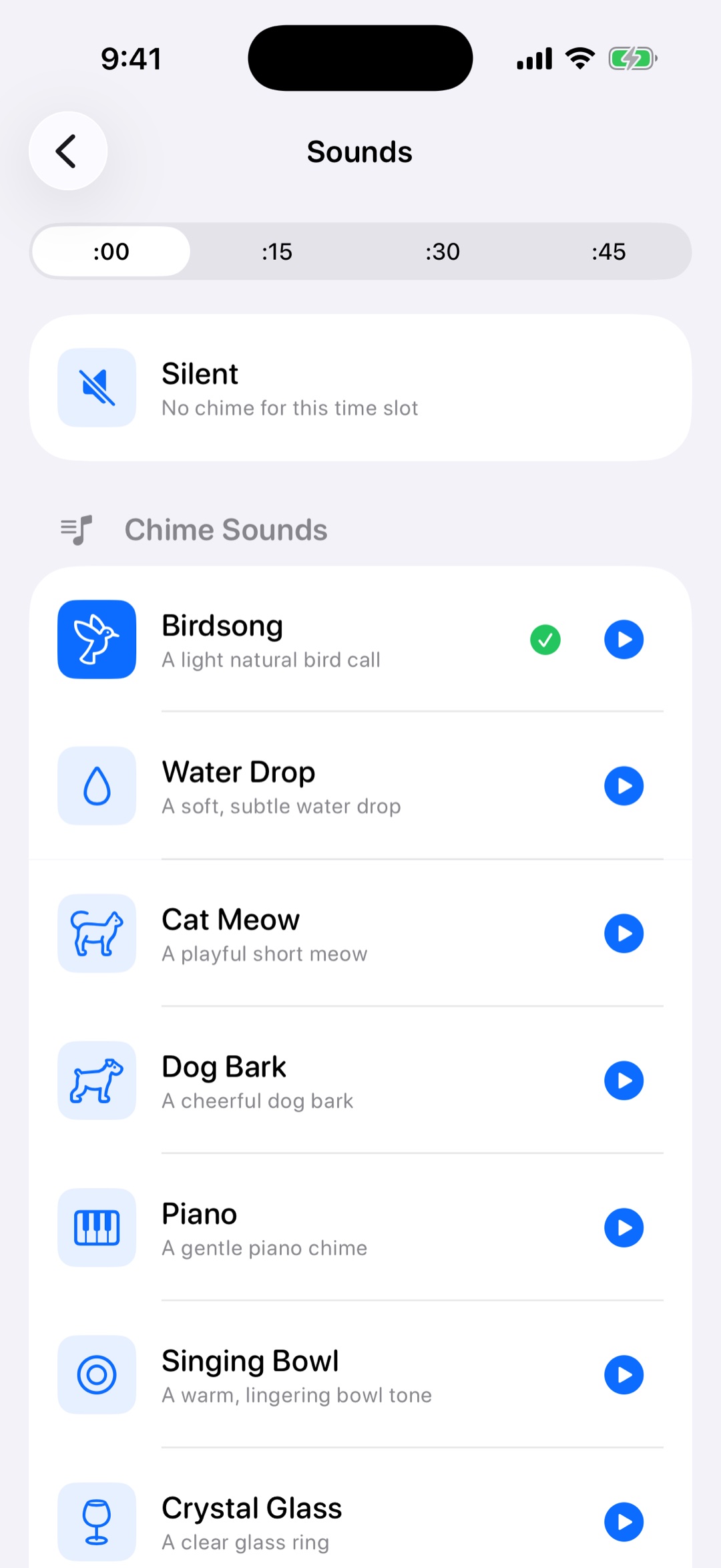
A focused chime workflow is easier to keep than another busy timer or alarm setup.
Use the chime as a gentle marker for focus blocks, stretching, study, or any routine where 15 minutes matters.
The web timer can run in the browser as long as the tab stays open and audio is allowed.
When you need the cue away from the browser, Chimebird schedules local notifications ahead of time.
Choose the 15-minute interval and pick a sound that is noticeable without being disruptive.
Browser audio needs an active tab, so leave the page available while you work.
Use the iPhone app when you want quarter-hour reminders on the lock screen.
Yes. The browser timer supports a 15-minute chime, and Chimebird Pro supports 15-minute iPhone reminders.
Not exactly. A chime is a repeating time cue, while a Pomodoro timer usually requires starting and stopping sessions.
No. Use the iPhone app if you need reminders after closing the browser.
Yes. Chimebird Pro includes 15-minute intervals and voice time announcement options.