Free hourly chimes
Use the free tier for a simple hourly cue, then upgrade only if you need 15 or 30-minute intervals.
Use Chimebird when you want a repeating hourly reminder that feels lighter than an alarm. It can chime on the lock screen, respect active hours, and use sound or voice cues to help you notice the day.
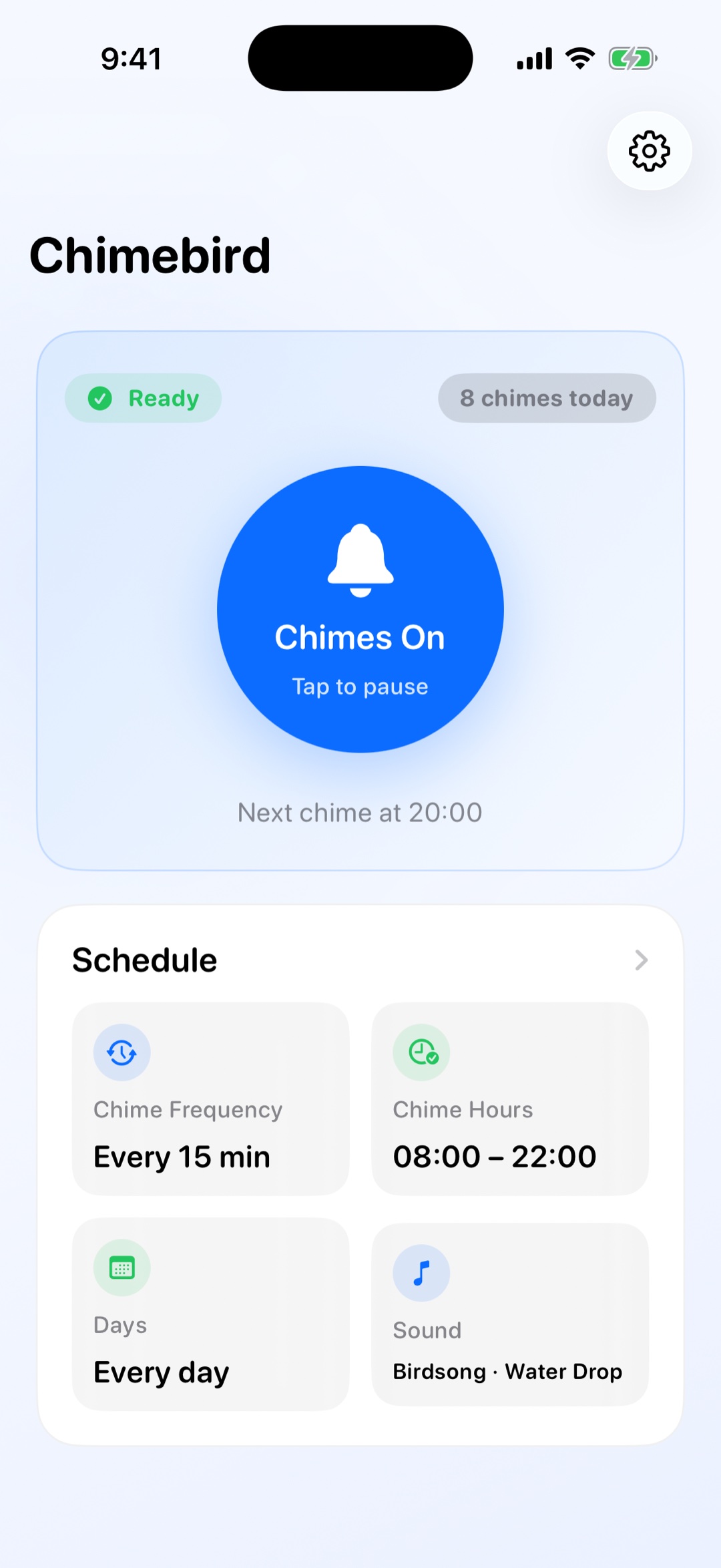
A focused chime workflow is easier to keep than another busy timer or alarm setup.
Use the free tier for a simple hourly cue, then upgrade only if you need 15 or 30-minute intervals.
The app schedules local notifications so you do not need to keep a timer screen open.
Active hours and weekday filters keep reminders aligned with work, study, and rest.
Start with the free hourly cadence and pick a sound that fits your environment.
Use active hours and weekday filters to avoid reminders at the wrong time.
The built-in health check helps diagnose volume, Focus mode, permissions, and silent switch issues.
Yes. Chimebird is built around recurring hourly chimes and optional 15 or 30-minute intervals.
No. Chimebird schedules local notifications ahead of time after setup.
Yes. Guided notification setup helps keep the sound while reducing visible banners.
Yes. Pro includes multilingual voice time announcements.