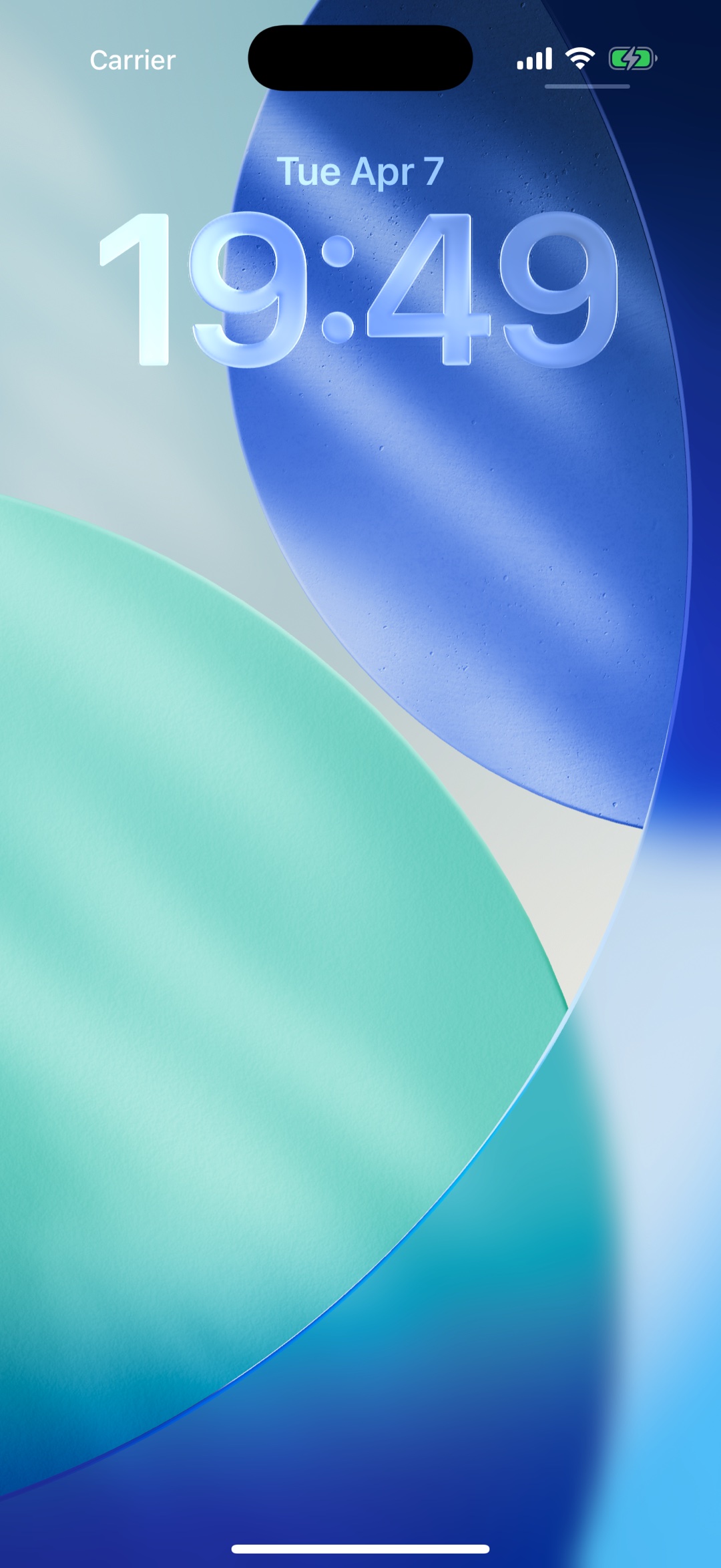
Lock screen reminders
Chimes can sound through local notifications, so the reminder is not tied to an open app screen.
Chimebird is built for people who want an hourly reminder without managing a pile of alarms. Set the cadence once, close the app, and let local notifications handle the recurring cue.
A focused chime workflow is easier to keep than another busy timer or alarm setup.
Chimes can sound through local notifications, so the reminder is not tied to an open app screen.
Guided setup helps keep sound while reducing visible banner clutter.
Hourly chimes are free; Pro adds 15 and 30-minute intervals plus voice packs.
Choose hourly reminders first if you want the calmest repeating cue.
Use the health check if Focus mode, volume, or permissions stop the chime.
Limit reminders to work hours, study blocks, or other useful parts of your day.
Yes. Chimebird can schedule hourly chime reminders through local notifications.
No. After setup, reminders are scheduled locally and the app can be closed.
Yes, as long as notification sound is allowed by iOS settings.
Yes. The app includes guidance for reducing banners while keeping audio reminders.