

Useful for half-hour checkpoints
A short sound every 30 minutes helps you notice time passing without setting many one-off alarms.
A 30-minute chime is frequent enough to keep you aware of time, but calmer than a constant timer. Use it for work sessions, study blocks, reading, chores, or regular mindful pauses.
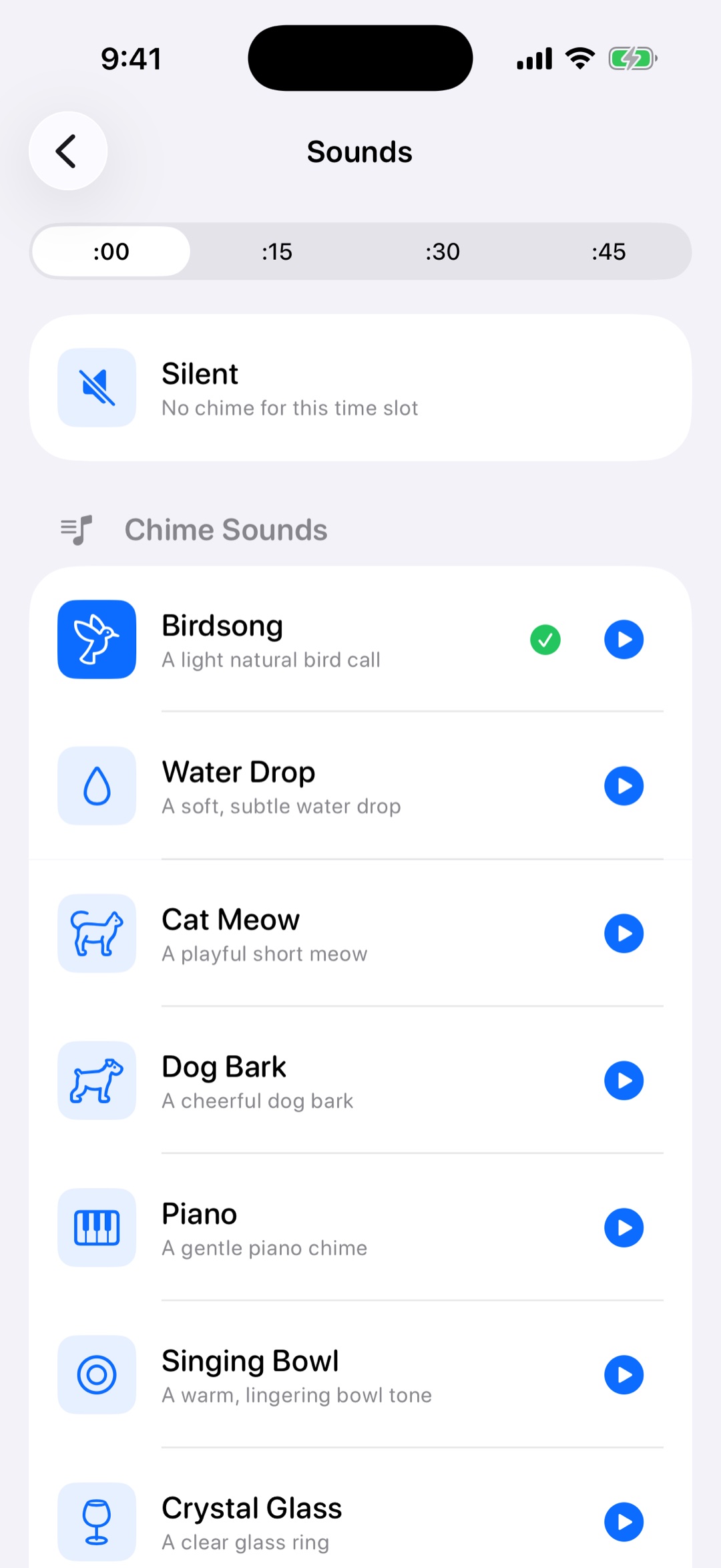
A focused chime workflow is easier to keep than another busy timer or alarm setup.
A short sound every 30 minutes helps you notice time passing without setting many one-off alarms.
Pick the 30-minute mode, choose a sound, and keep the page open while you work.
Chimebird can move the same cadence to local notifications on your iPhone.
Start from the homepage and select the half-hour interval.
Use a bell, natural sound, piano, or voice cue depending on how direct the reminder should be.
On iPhone, limit half-hour chimes to the part of your day where they are useful.
Yes. The web timer supports 30-minute chimes, and Chimebird Pro supports 30-minute iPhone reminders.
The browser version is free. In the iPhone app, hourly chimes are free and 30-minute intervals are part of Pro.
The web timer needs the page loaded in a browser. The iPhone app schedules local notifications after setup.
Yes. Voice time announcements can be used with 30-minute reminders in Chimebird Pro.