Set a gentle browser chime on the hour, every 30 minutes, or every 15 minutes. Keep this tab open to hear the web timer, or use the iPhone app for lock screen and background chimes.
Keep this tab open. The chime plays at the chosen interval — your computer doesn't sleep while audio is scheduled.
Chimes at 00 minutes — quietest, classic hourly bell.
The browser try is just a taste. The iPhone app schedules local notifications ahead of time — chimes ring even when your phone is locked, in airplane mode, with zero battery cost. Plus 10 themes, 10 voice languages, active hours, and weekday filters.

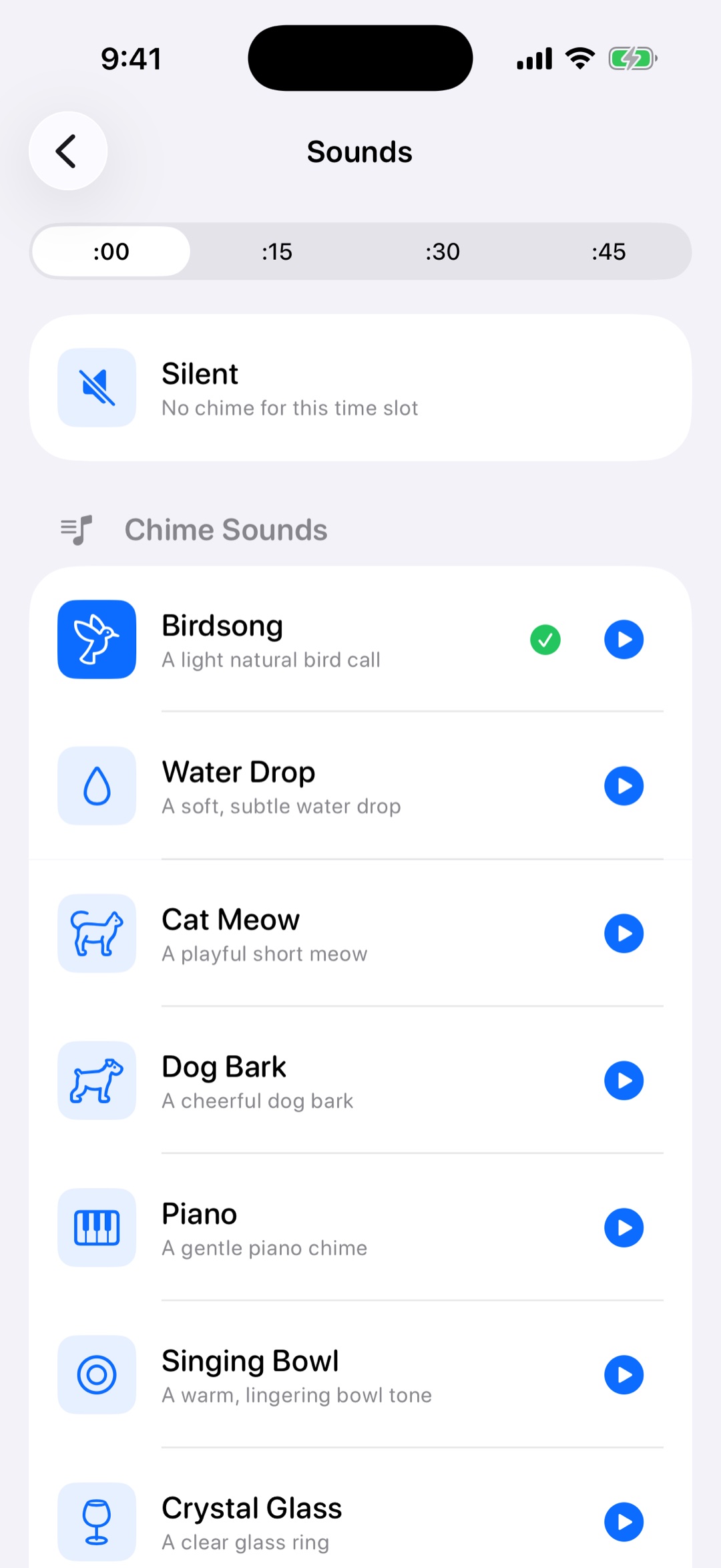
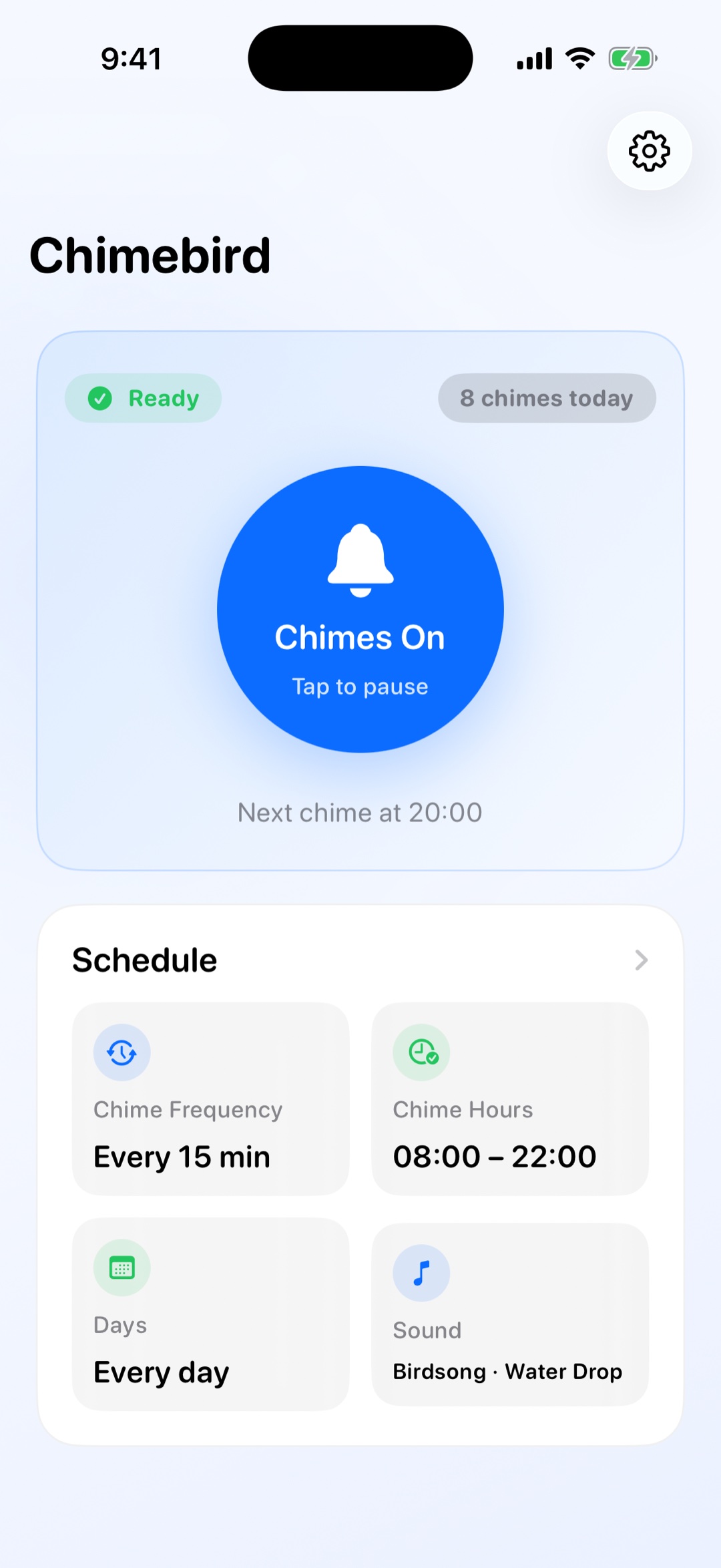
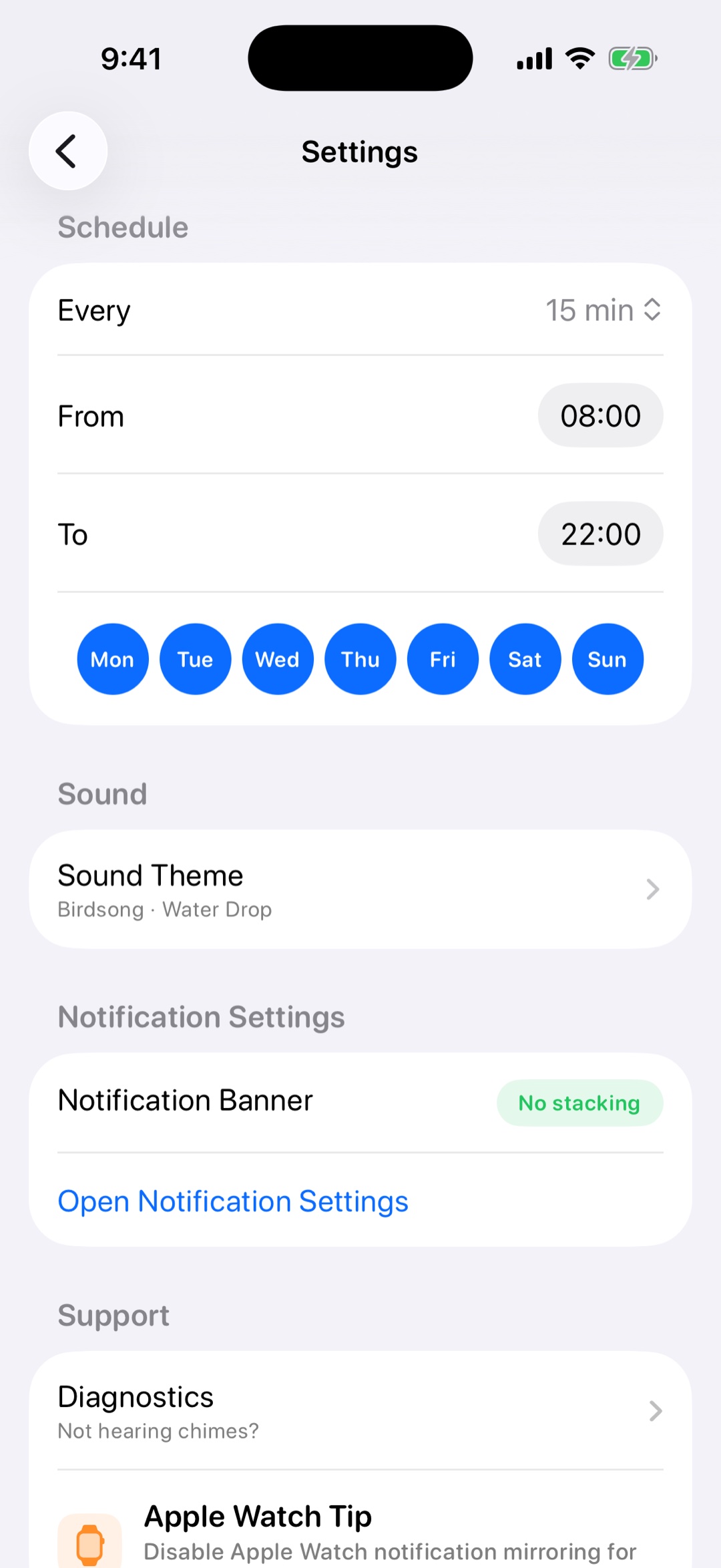
An online hourly chime timer plays a gentle sound in your browser at the interval you choose, such as on the hour, every 30 minutes, or every 15 minutes. It is useful when you want a lightweight time reminder without installing anything.
Yes. Chimebird can chime on the hour, every 30 minutes, every 15 minutes, or on a rolling 15 or 30-minute interval from the moment you start it.
No. Browser audio needs the tab to stay open. The iPhone app is the better option when you want chimes to ring on the lock screen, in the background, or without keeping a browser tab open.
Yes. The iPhone app schedules local notifications ahead of time, so chimes can ring on the lock screen and keep working without the app staying open.